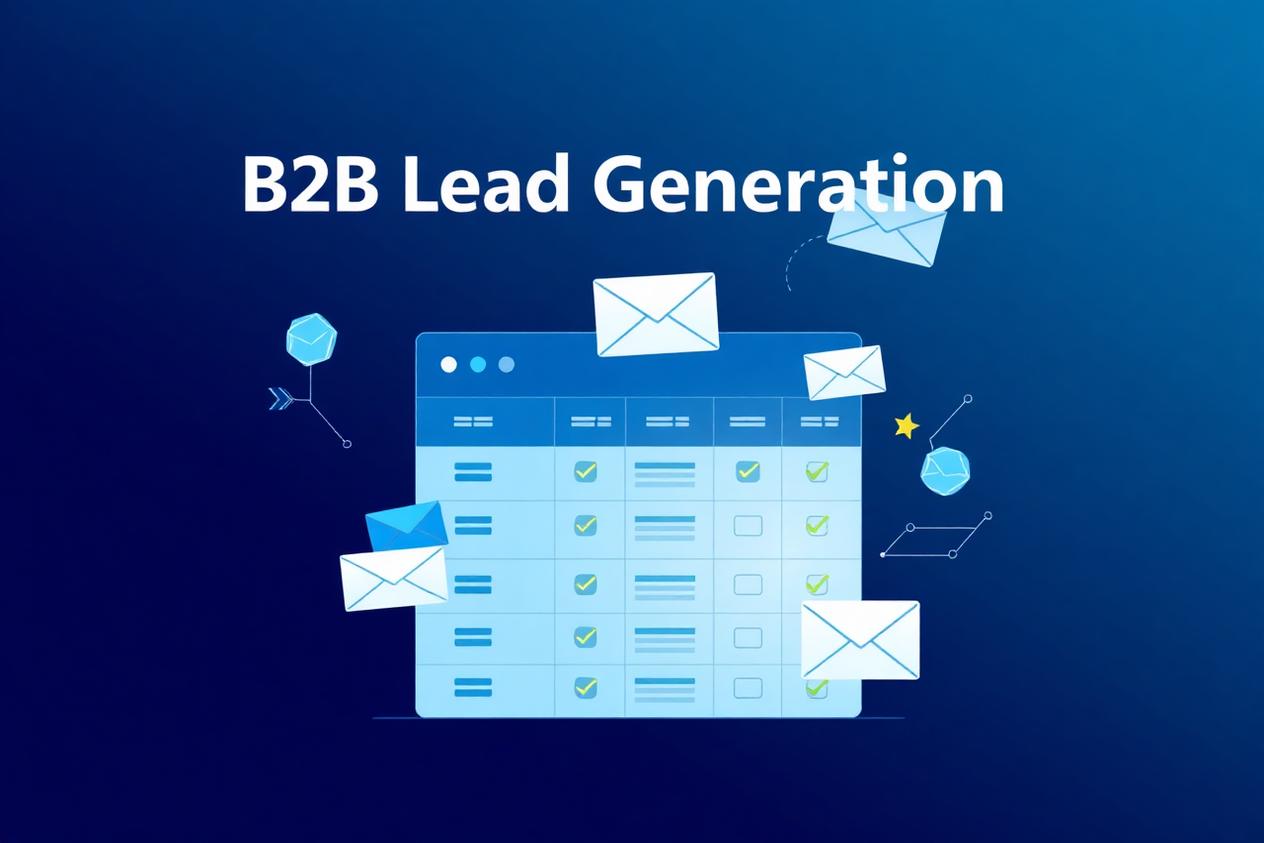
Most B2B outbound campaigns don't fail because of the messaging. They fail because the list was wrong. A perfect email sent to the wrong 5,000 people will always underperform an average email sent to the right 500. This is the playbook we use at GetLeadExpo to build B2B prospect lists that consistently produce 4–8% reply rates and booked meetings — start to finish, with the exact tools and filters that actually work in 2026.
Why the B2B prospect list is the campaign
Sales leaders love to obsess over subject lines and sequences. Meanwhile, the operator who quietly built a tighter list is booking three times as many meetings with a shorter, worse-written email.
A high-converting B2B prospect list has three properties:
- Every contact matches the Ideal Customer Profile — no "close enough" seats
- Every contact holds real decision-making power — not gatekeepers, not interns
- Every email address is verifiably deliverable — under 2% bounce rate on first send
Miss any one of those and no amount of clever copywriting rescues the campaign. Hit all three and average copy books meetings.
Step 1 — Define your Ideal Customer Profile
The Ideal Customer Profile (ICP) is the shape of the account most likely to buy, stay, and expand. It's not a wish list; it's a pattern you extract from customers you already have.
How to build your ICP from real data
Pull your top 20 revenue-producing customers. Ignore the outliers. Look for what the middle 15 have in common across:
- Industry / sub-industry — "B2B SaaS" is too broad; "product-led B2B SaaS with $2–20M ARR" is useful
- Company size — headcount and revenue range where your product actually fits
- Geography — regions where sales cycles are reasonable and payment is reliable
- Tech stack — tools that indicate they'll integrate with or benefit from yours
- Business model — subscription vs transactional, sales-led vs product-led
- Growth stage — bootstrapped, early VC, Series B+, PE-backed — each behaves differently
- Triggering events — recent funding, new hires in a role, launched a new product, opened a new market
The output is a one-page ICP document. If you can't hand it to a new SDR and have them recognize an in-ICP account in ten seconds, it's too fuzzy.
Anti-ICP is just as important
Write down the accounts that look right on paper but consistently churn, complain, or ghost. Filter them out at the top of the funnel — you'll save your team hundreds of wasted hours.
Step 2 — Build buyer personas that map to decisions
An ICP tells you which companies to target. Buyer personas tell you which humans inside those companies to email.
For every deal, there are typically three people that matter:
- The champion — has the pain, feels it daily, will fight internally for your solution
- The economic buyer — signs the invoice, cares about ROI and risk
- The technical or operational evaluator — will use or implement your product day-to-day
The one-page persona
For each persona, capture:
- Exact job titles (and near-variants — "Head of Growth", "VP Growth", "Director of Growth")
- Seniority level and typical team size
- Reporting line (who they report to, who reports to them)
- The one or two metrics they're measured on
- The specific pain point your product removes
- The internal objections they'll raise
- The proof points that overcome those objections
Personas turn a generic list into a targeted list. Instead of "email everyone in marketing at these 500 companies", you're emailing "the Head of Demand Gen at these 500 B2B SaaS companies with a 5–20 person marketing team".
Step 3 — Source with LinkedIn Sales Navigator
Sales Navigator remains the highest-signal source for B2B prospect list building in 2026 — because the profiles are self-maintained by the prospects themselves. The trick is knowing how to filter.
The filters that matter
- Current job title — use exact titles from your persona doc, and add "Seniority level" as a second filter for cleanliness
- Function — Marketing, Sales, Operations, Engineering, etc. — catches variations of a title
- Years in current company — 1+ years usually indicates real ownership
- Company headcount — narrow to your ICP band
- Company headcount growth — 10%+ over the last 12 months signals expansion
- Recent activity — posted or commented in the last 30 days indicates an active buyer
- Recent job changes — a new VP is a strong buying window; new hires often replace tools
- Recent company events — funding, hiring push, product launch
- Technology used — via LinkedIn's tech filters or an integrated tool
The saved-search workflow
Build a small number of tight saved searches, not one giant one. A saved search that returns 400–800 people is the sweet spot: narrow enough to be relevant, broad enough to have volume.
What Sales Navigator doesn't give you
Verified email addresses. You'll pair Sales Nav with an enrichment tool for that (next step).
Step 4 — Enrich and expand with Apollo
Apollo (or a comparable database — Clay, Lusha, Cognism, ZoomInfo) turns your Sales Nav shortlist into a workable contact record. In 2026, most sophisticated teams use Sales Nav for discovery and Apollo for enrichment and volume.
Where Apollo shines
- Pulling verified work emails at scale
- Firmographic and technographic enrichment
- Intent data — companies actively researching topics related to your product
- Job change alerts on tracked contacts
- Direct-dial phone numbers for follow-up
- Automated exclusion of contacts already in your CRM
The right Apollo workflow
- Import your Sales Nav shortlist (URL match or CSV)
- Layer Apollo's firmographic and technographic filters as a second sanity check
- Extract verified emails and direct dials
- Push into a clean spreadsheet, deduped against your existing CRM
- Add any Apollo signals (intent, job change, funding) as columns your SDRs can use in personalization
Don't just export Apollo blindly
The failure pattern we see: teams skip Sales Nav, pull a 20,000-row Apollo export, and blast. Bounce rates spike, deliverability collapses, and the campaign is dead in a week. Sales Nav → Apollo is the order that keeps quality high.
Step 5 — Prospect research that actually earns replies
For high-value tiers of your list, deeper prospect research doubles reply rates. This is where AI is genuinely useful now.
The research checklist
For each Tier 1 prospect:
- Recent LinkedIn posts and comments (last 60 days)
- Recent podcast, blog, or press mentions
- Their company's most recent announcement or funding round
- New hires and job openings (signals priorities and pain)
- Reviews and complaints of their competitors
- Tech stack changes (implementation of a tool your product complements or replaces)
How to scale it
For a 100-account Tier 1 list, an AI agent (n8n + an LLM) can pull the above in under a minute per account and produce a two-line personalization brief for the SDR. This is the compromise that lets you do "manual research" quality at scale — the SDR reviews and edits, but never starts from zero.
Step 6 — Email verification is non-negotiable
Every email address on your list must be verified before it enters a sending sequence. Skipping this step is the single fastest way to burn a sending domain.
The layered verification pipeline
- Syntax check — is the email format valid
- MX record check — does the receiving domain exist
- SMTP handshake — does the mailbox exist without actually sending
- Catch-all detection — flag domains that accept all mail (deliverable but risky at high volume)
- Role-account flag — info@, sales@, admin@ — usually skip
- Disposable / temporary domain flag — auto-remove
Tools that work
NeverBounce, ZeroBounce, MillionVerifier, Reoon, Bouncer, Instantly's built-in verifier. Any of them are fine — the discipline of running every list through one is what matters.
The rule we run internally
If a batch shows more than a 5% invalid rate after verification, we go back and re-source. It's cheaper to rebuild the list than to send anyway and torch a domain.
Step 7 — Qualify before you sequence
A verified email doesn't mean a qualified lead. Before any contact enters a sending sequence, run a qualification pass.
The qualification gates
- Fit — matches ICP and persona exactly (not "close")
- Reachability — verified email, ideally with a direct dial as backup
- Signal — a reason to reach out now (funding, hire, launch, trigger event)
- Freshness — the contact is still at the company (a quick LinkedIn re-check catches job changes)
- Exclusions — not already a customer, not in an active opportunity, not on the do-not-contact list
Tier your list
Tier 1 (top 10–15% of the list): high-fit accounts with a strong buying signal → deserve deep personalization and multi-channel outreach.
Tier 2: solid ICP fit, no urgent signal → templated but persona-relevant sequence.
Tier 3: edge-of-ICP, worth including for volume → light sequence, low personalization, mostly a nurture play.
Different tiers, different sequences. Same list, treated as one, always underperforms.
Step 8 — Store the list where it stays alive
A prospect list isn't a one-time export. It's a living asset. Store it in a CRM or database that:
- Deduplicates on email and normalized company domain
- Auto-refreshes enrichment on a schedule
- Flags job changes and unsubscribes automatically
- Logs every touchpoint back to the contact
- Feeds into your reporting
HubSpot, Pipedrive, Salesforce, GoHighLevel, or a lightweight Postgres/Airtable + n8n stack all work. The specific tool matters less than the discipline of writing every action back to it.
Common mistakes that kill prospect lists
We've audited hundreds of underperforming B2B campaigns. The list mistakes repeat.
Buying a giant unverified database
A 100k-row purchased list is a domain-burning device. Even after verification, buying skips ICP fit entirely.
Confusing "in the target industry" with "in the ICP"
"B2B SaaS companies" isn't an ICP. Size, stage, geography, and buyer type all matter. Broad = weak reply rates.
Targeting job titles instead of decision authority
"Marketing Manager" at a 5,000-person company has none of the buying power of "Head of Marketing" at a 40-person company. Seniority + org size beats title.
Skipping deduplication
Emailing the same contact twice from different sequences — or worse, from a competitor's list you bought — flags you as spam instantly.
Not tracking bounce rates per source
If Apollo emails are bouncing at 4% and Sales Nav-sourced ones are at 1%, that's information. Cut what bounces.
Sending to catch-all domains at high volume
Some catch-all domains accept everything and quietly file spam. Send to them selectively.
Refreshing lists too rarely
15–25% of B2B contact data goes stale every year. A six-month-old list without refresh is a bounce factory.
One giant list, one sequence
Tiering exists because a founder-CEO and a marketing manager don't buy the same way, at the same speed, for the same reasons.
Frequently asked questions
How large should a B2B prospect list be?
Quality over quantity. For most SMBs, a rolling list of 1,500–5,000 tightly-targeted contacts outperforms a 50,000-row database. If your reply rate is above 4%, you're on the right side of the tradeoff.
How often should I rebuild my prospect list?
Refresh continuously. Add new-in-ICP accounts weekly, re-verify emails every 60–90 days, and check job changes monthly. Full rebuilds are a sign the process wasn't running.
Is Sales Navigator worth it in 2026?
Yes — nothing else matches the profile-level freshness. It's the discovery layer; you'll still pair it with an enrichment tool for emails and volume.
Apollo vs ZoomInfo vs Cognism — which should I use?
Apollo has the best price-to-coverage ratio for SMBs. ZoomInfo has deeper data for large enterprise sales. Cognism is strong in EMEA and for compliance-heavy industries. All three work; pick based on your region and budget.
What bounce rate is acceptable?
Under 2% on first send is the safe zone. 2–4% is warning territory — audit your verification. Over 4% and you should pause sending, re-verify, and investigate the source.
Should I include role accounts like info@ or sales@?
Almost never. They rarely respond, hurt deliverability metrics, and dilute your reporting.
How do I handle GDPR when building B2B lists?
For B2B in the EU/UK, legitimate interest applies to targeted, relevant outreach with clear opt-out. Keep records of sourcing, honor unsubscribes immediately, and use verified business emails (not personal). When in doubt, consult a lawyer in the target region.
Can I automate the whole list-building process?
Mostly yes. Sourcing, enrichment, verification, deduplication, tiering, and CRM sync can all run inside n8n or a similar automation platform. Human judgment still matters for ICP tuning and Tier 1 research review.
How do I know if my list is any good before I send?
Sample 30 contacts. Manually check each against your ICP and persona doc. If more than 3 feel off, the whole list is off — re-source before sending.
Do you build verified B2B prospect lists for clients?
Yes — it's core to what we do. GetLeadExpo builds ICP-matched, verified prospect lists with sub-2% bounce rates, ready to load into your sequencer. See our [B2B lead generation](/services/b2b-lead-generation) and [email list building](/services/email-list-building) services or [book a call](/contact) to scope your build.
Conclusion — the list is the leverage point
Every hour spent tightening your B2B prospect list returns more than an hour spent optimizing your email copy. Get the ICP right, source from Sales Nav, enrich with Apollo, verify ruthlessly, qualify into tiers, and store it somewhere that stays alive. Do that and average messaging books above-average meetings.
If you'd rather skip the build and just receive verified, ICP-matched lists ready to send, that's exactly what GetLeadExpo delivers. [Book a free lead strategy call](/contact) or explore our [B2B lead generation](/services/b2b-lead-generation), [email list building](/services/email-list-building), and [email verification](/services/email-verification) services — and turn your next campaign into your best one.
Ashikur Rahman
Founder, GetLeadExpo
Writing about B2B lead generation, deliverability, and n8n AI automation at GetLeadExpo.